It's here. Sendr V4 is officially live! 🚀

V4 is here, and it's the biggest update we've ever shipped. Tell Campaign Copilot what you want to achieve, and it builds a complete, ready-to-launch outbound campaign with you: the strategy, the lead list, the sequence, and the messaging. Alongside it come campaign Analytics, a new Strategy tab, a Workspace Profile with Personas, and an upgraded SendrAI that makes every message sharper. And Copilot is 100% free to use throughout October.
Here's everything new.
Campaign Copilot: launch a campaign in under 90 seconds 🚀
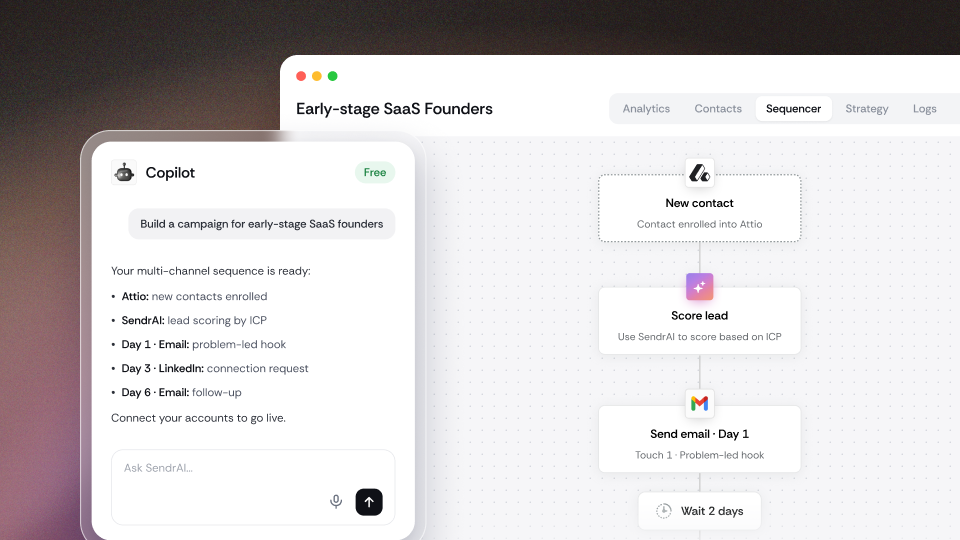
Tell Copilot what you want to achieve, and it builds the whole campaign for you. Campaign Copilot is an AI you chat with inside Sendr. It walks you through a short, guided conversation, then builds your campaign end to end across email, LinkedIn, and WhatsApp.
You guide it, and Copilot does the heavy lifting. It asks the questions a great outbound strategist would ask before writing a single word. What's the goal (book meetings, drive signups, fill an event or webinar)? What's the offer? Who is the campaign from, and how do they sound? It already knows your business from your Workspace Profile and Personas, so it never starts from a blank page. Not happy with the tone? Just tell it, and it adjusts.
We've baked some of the best brains in positioning, sales, and outbound into Copilot. So it doesn't just write copy, it shapes a genuinely compelling offer and angle built to get replies.
A few things Copilot does without being asked:
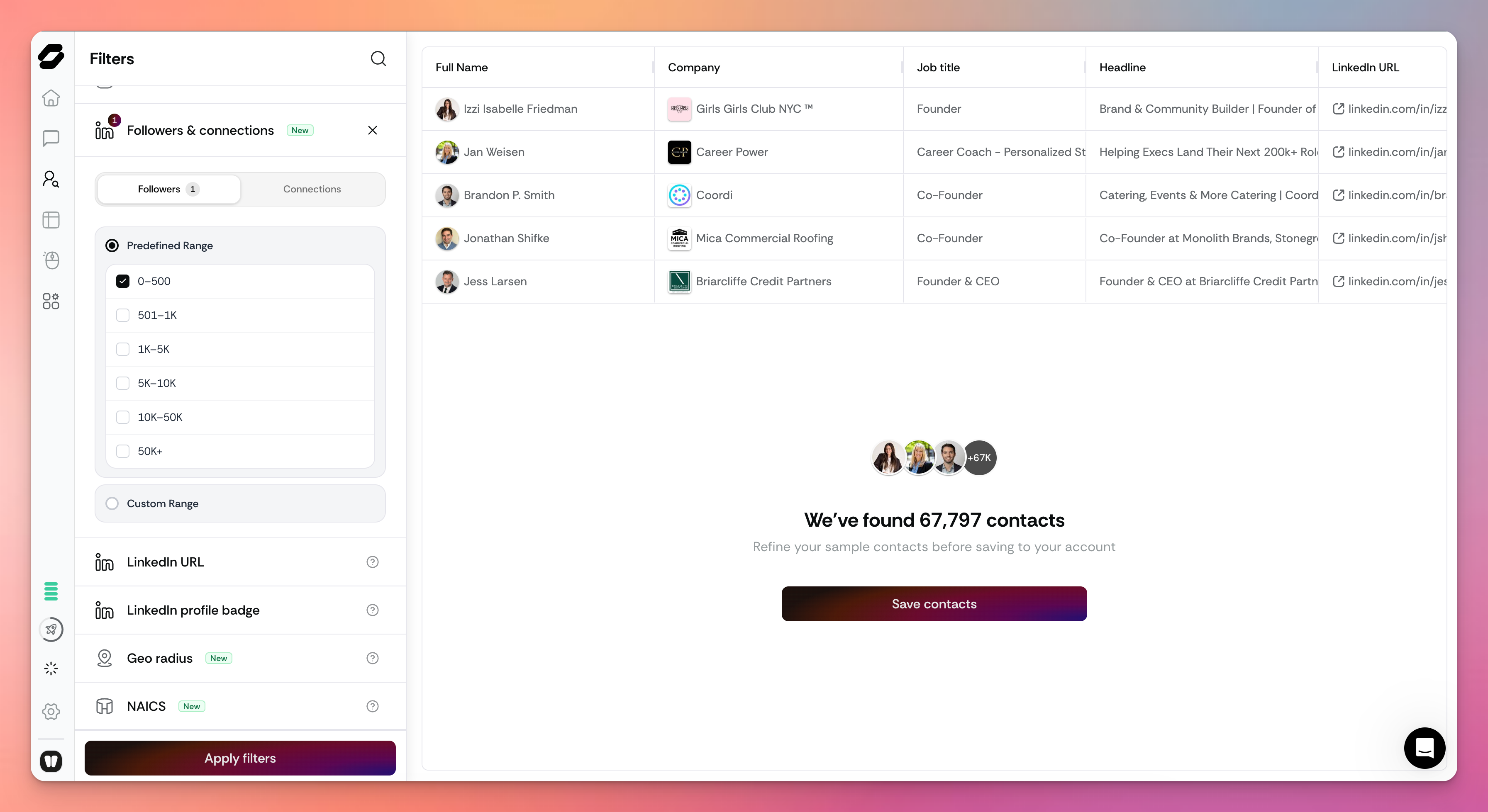
Builds your lead list from our database of 500 million+ B2B contacts, refreshed every 30 days
Recommends dynamic voice notes and videos where they're likely to lift replies, and writes your voice note script for you
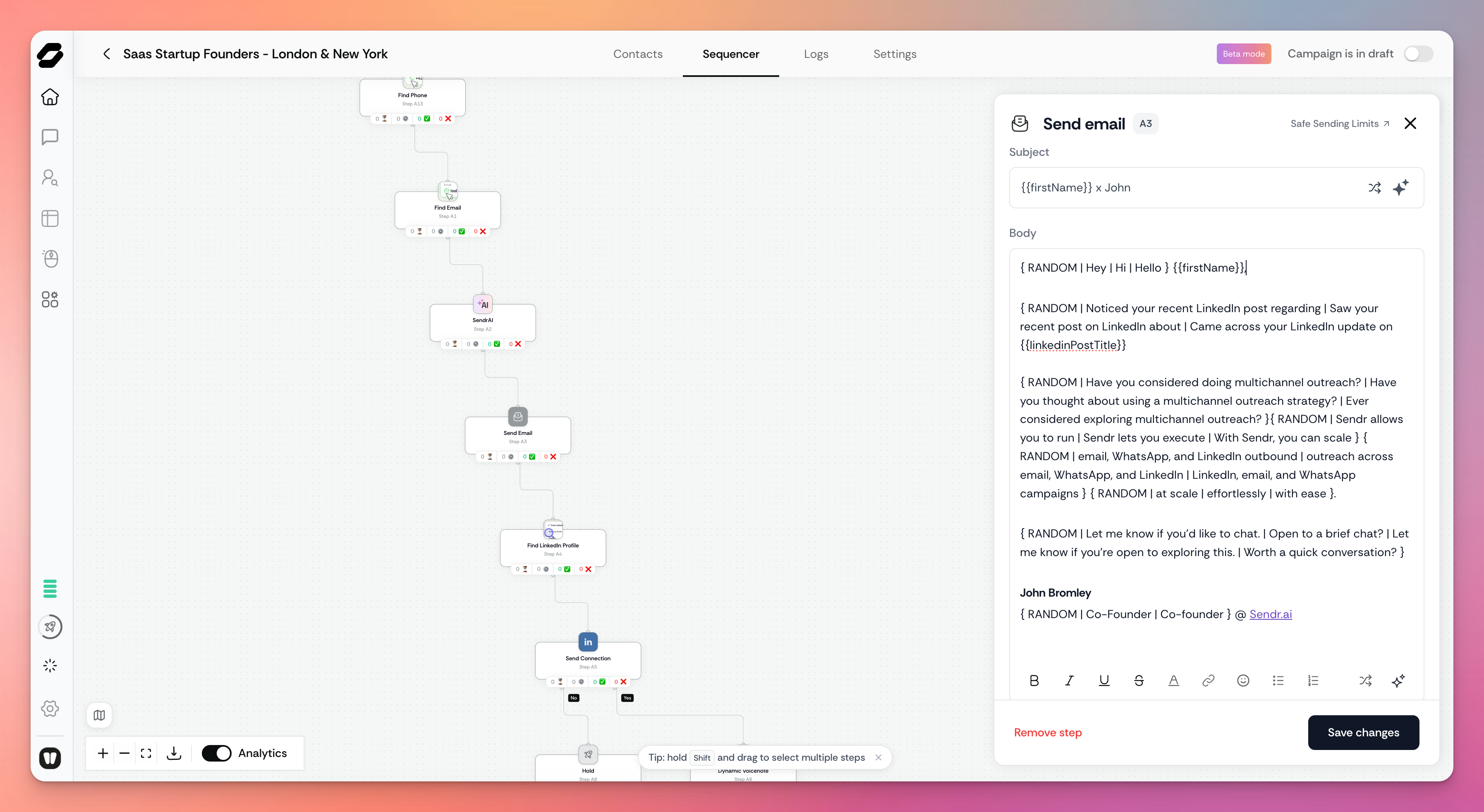
Applies spintax automatically, so every message feels one to one
Protects your credits: sending, waits, and conditions cost nothing, and it saves costly steps like phone finding for the leads who haven't engaged yet
Factors in your deadlines, so a campaign for an event next week is timed for next week
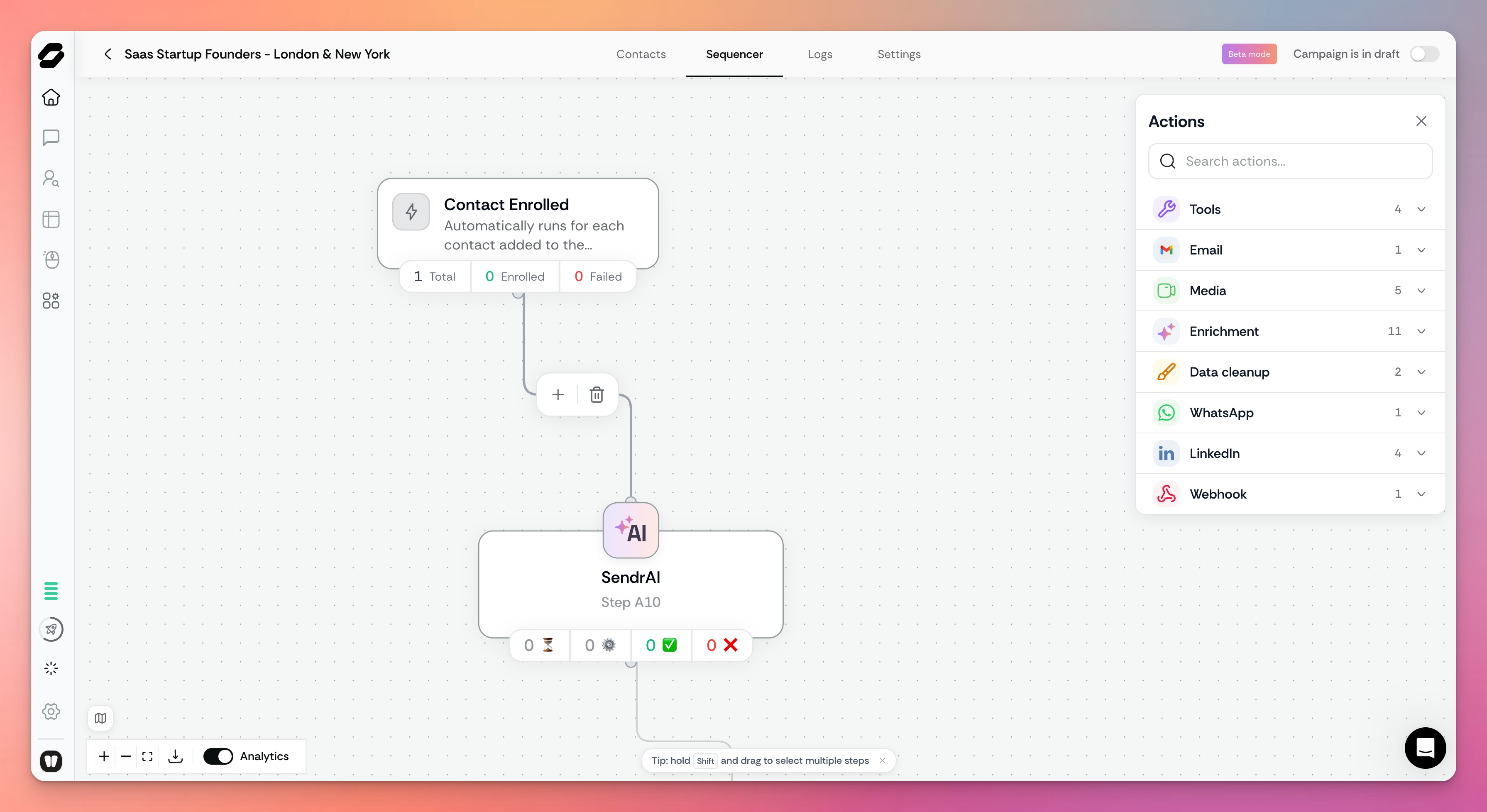
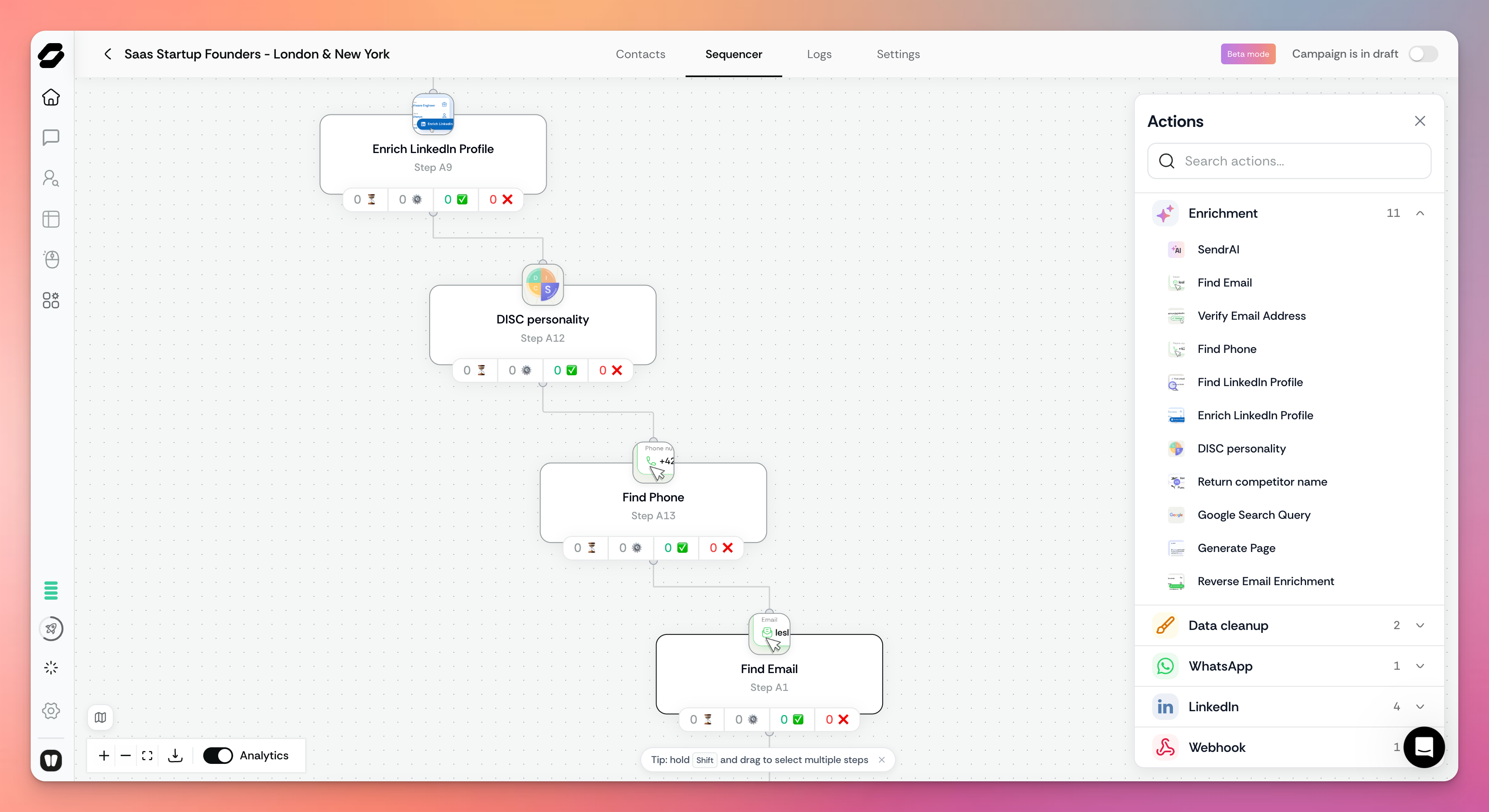
Before you go live, the Campaign checklist shows exactly what's left to set up, like connecting a sending channel, with a green tick next to everything that's ready. And Copilot never locks you out: every step it builds stays fully editable in the Sequencer.
Free through October. Build as many campaigns with Copilot as you like this month, completely free.
Hoani Taylor from Carrots Not Sticks got early access to Campaign Copilot, and here's what he thought. Hoani's team has used Sendr for close to a year, and says have generated over $10 million in revenue using Sendr
Analytics: see what's working 📊
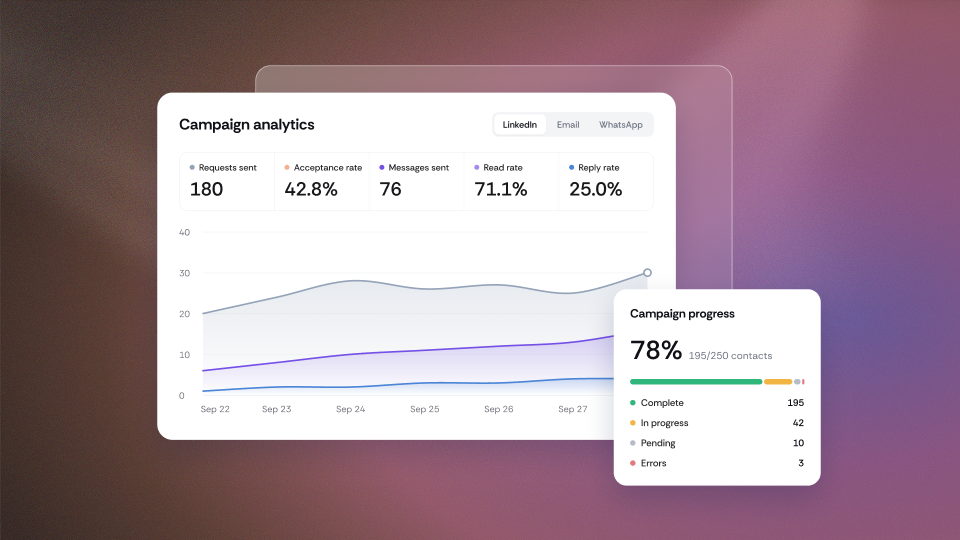
Know exactly how every campaign is performing, at a glance. Every campaign now opens on a brand new Analytics tab, the missing piece our customers have asked for most.
Campaign progress: see how many leads are in progress, complete, or hit an error, and click any number to jump straight to those contacts to download, remove, or move them into a new campaign
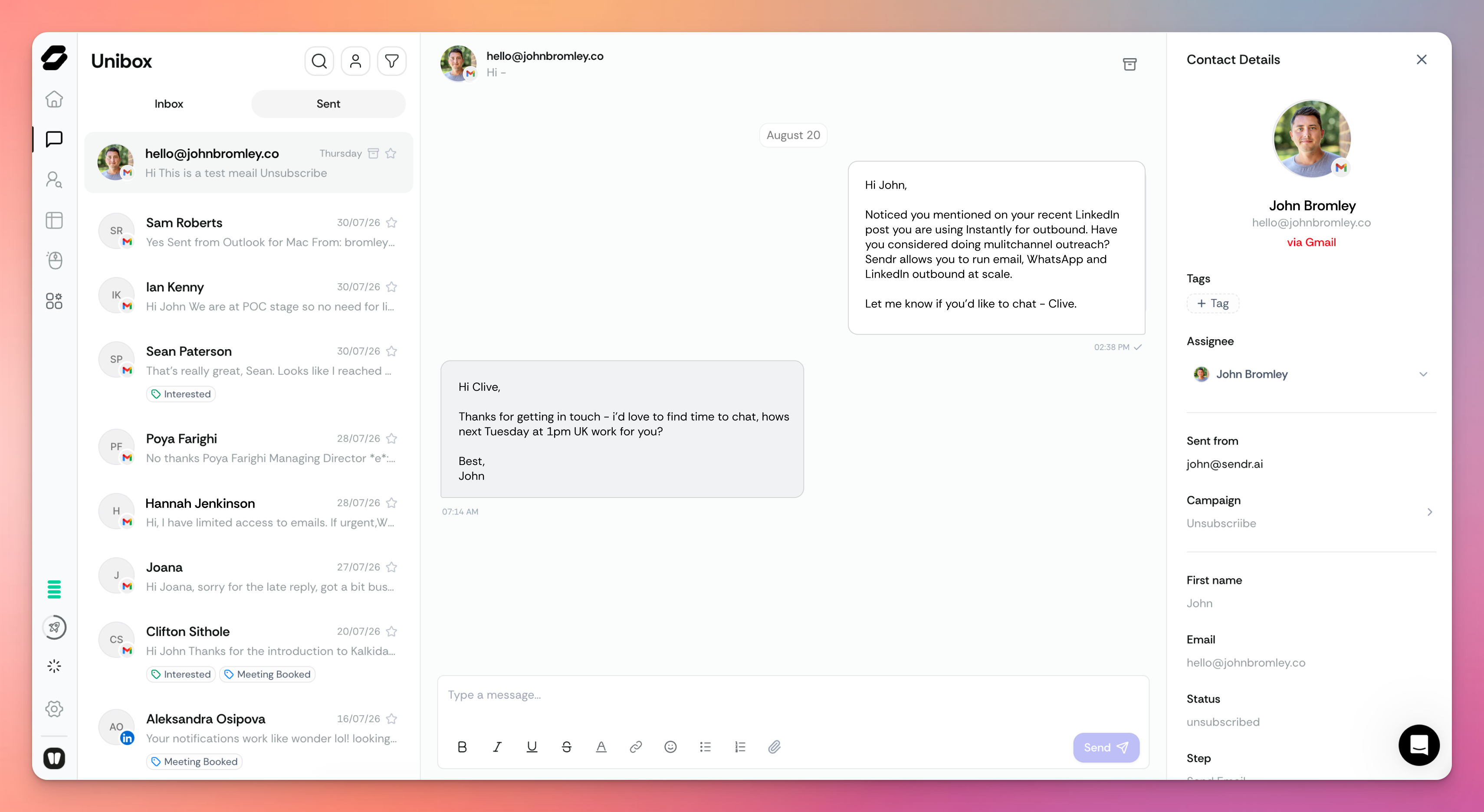
Opportunities: replies are automatically tagged by sentiment, so interested leads show up as opportunities. One click takes you to them in Unibox.
Open and reply rates across every channel: email, LinkedIn, and WhatsApp combined in one view
Channel performance: emails sent, open and reply rates, LinkedIn requests, acceptance and read rates, all filterable by date range
Analytics now sits first in every campaign, followed by Contacts, Sequencer, Strategy, Logs, and Settings, so the numbers are the first thing you see.
Campaign Strategy: the thinking behind every campaign 🧠
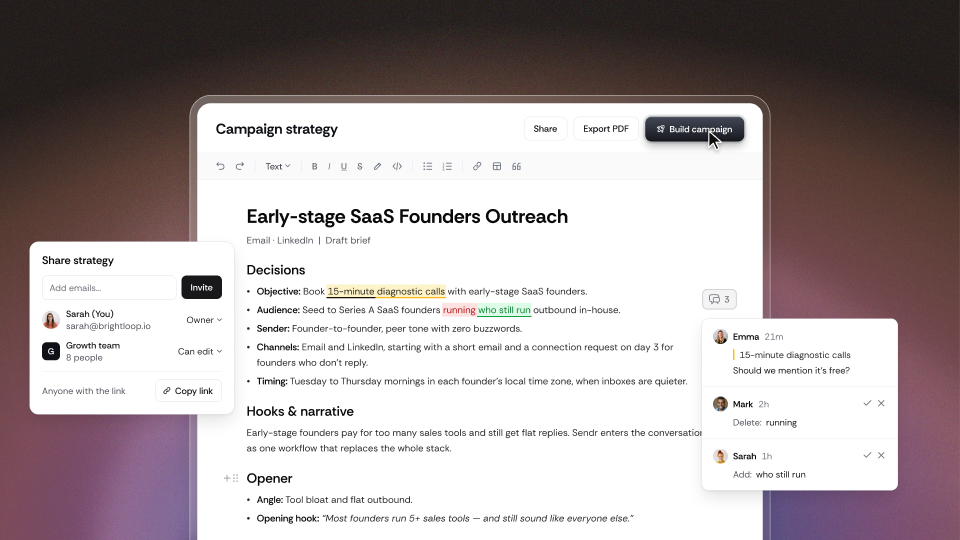
Every campaign now comes with a strategy you can read, edit, and share. Outbound plans usually live in a scattered doc that gets bounced around a team. Now Copilot writes the plan right inside your campaign: the goal, the audience, the channels, the offer and hook, the proof points, and why the sequence is shaped the way it is.
Review and tweak the plan, then click Build when you're happy and Copilot builds the campaign from it. Need sign-off from a client or your team? Export it and share it.
Personas and Workspace Profile: set up once, use everywhere 👥
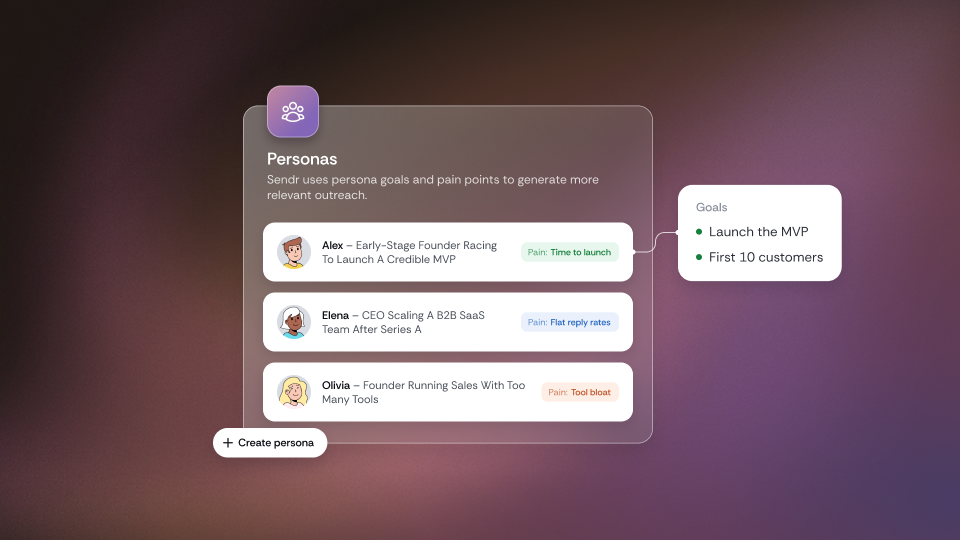
Teach Sendr about your business once, and every campaign gets sharper. Drop in your website and Sendr analyses it, along with your public content, case studies, and reviews, to build your Workspace Profile: what you offer, who it's for, what sets you apart, and your tone of voice. Tweak anything that isn't quite right.
From there, Sendr builds your Personas: the specific people you're targeting, each with a name, goals, and pain points. Want them spot on? Add the LinkedIn profiles of your best customers, and Sendr analyses their profile and last 90 days of activity to understand exactly who your ideal buyer is. Build Personas once, then use them across your campaigns, lead lists, and more.
New to Sendr? Onboarding Copilot builds your Workspace Profile and first Personas with you when you sign up, then shows you a preview of real leads before you build your first campaign.
Already using Sendr? The next time you log in, you'll be prompted to complete your Workspace Profile. It takes a few minutes, and every campaign you build afterwards is better for it.
SendrAI: smarter personalisation, powered by your Workspace Profile 🤖
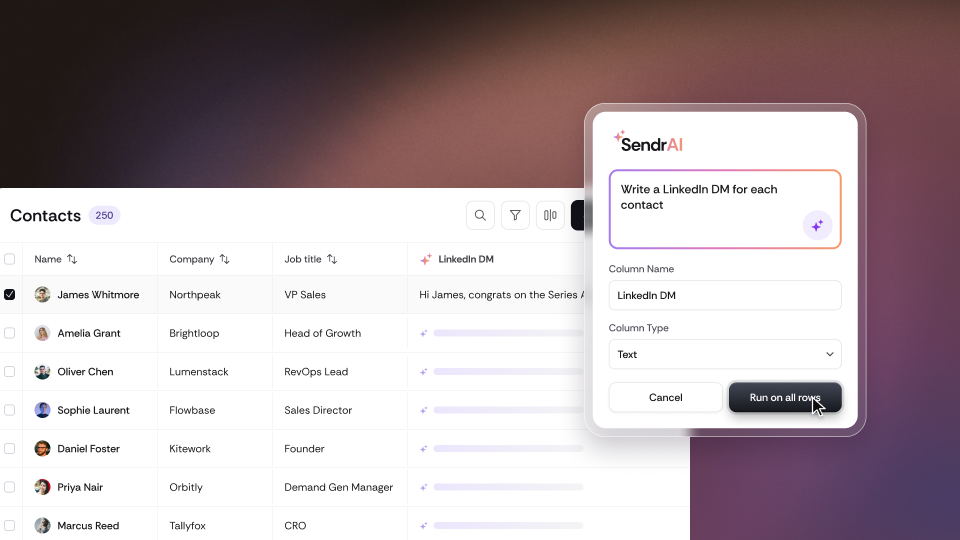
SendrAI now knows your business as well as it knows your leads. Ask it to "write a LinkedIn DM" and it researches and enriches each contact to find relevant details worth referencing, then combines them with your Workspace Profile: your services, your offer, and what sets you apart.
The result is a fully personalised message for every single contact, written as if you'd researched each one yourself. In testing, SendrAI's output was significantly better once a Workspace Profile had been built, so completing yours is the quickest way to level up every message.
Also new in V4 ✨
Try everything free for 14 days. Free workspaces can now start a 14-day free trial with full access to V4, including Campaign Copilot, every feature, and 2 sending channels. No card needed. Start it from inside the app whenever you're ready.
Lip-sync videos now run on credits. Once your existing lip-sync allowance is used, each video costs 5 credits, around 40% cheaper than before. Your current allowance stays exactly as it is.
What's next 🔮
Triggers and actions, in the next few weeks. Start campaigns from events in your other apps and tools, and send data back out, directly from the Sequencer canvas. This replaces the Automation Builder, so you'll have one unified outbound builder.
Voices. Upload your sales assets, tone of voice, and instructions on how you like to communicate, then choose a voice for each campaign so every message sounds like you.
Shareable campaign strategies. Share your strategy with your team as a link and collaborate on it, just like a Notion page or Google Doc.
Email infrastructure. Buy Google Workspace inboxes and warm them up directly in Sendr, ready for high-volume outreach.
We can't wait to see what you build with V4. Jump in, build your first campaign with Copilot (it's free all October), and tell us what you think.
👉 sendr.ai